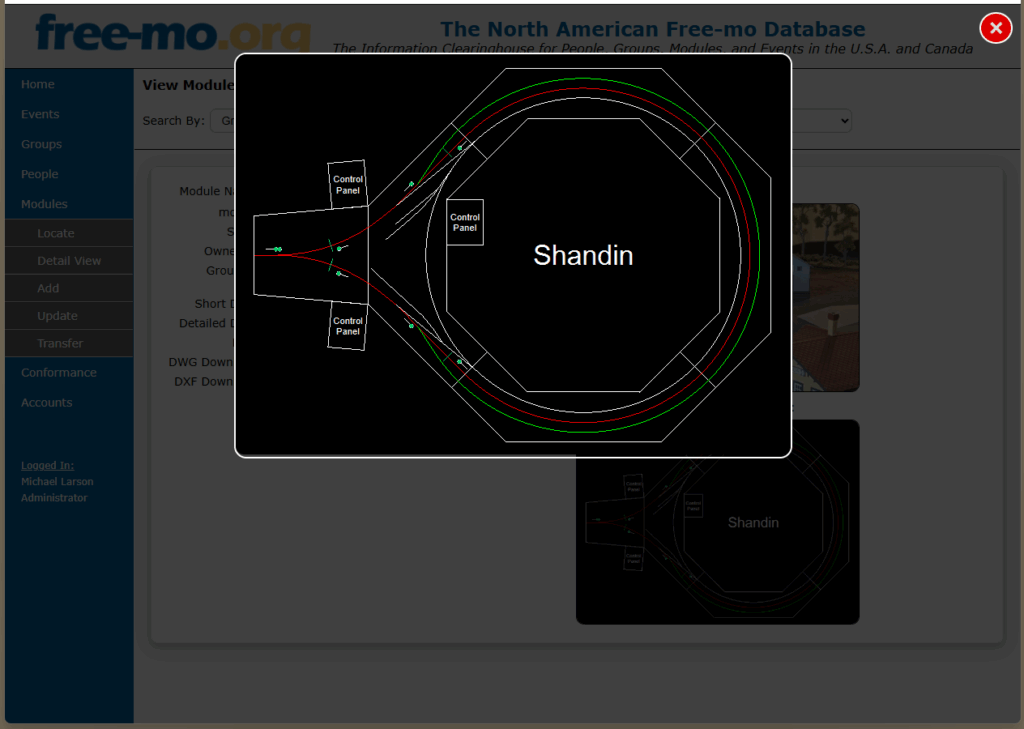
We are working to add a Free-mo Module, People, Group, Event database to the Free-mo website. The development is at a point where we can share some screen shots of what the database will look like. Everything and anything might change.
A little bit about the design and thought about the database. It all started with creating a list of modules. Each module has a owner, so we needed an owner list. Owner belong to groups, so we needed a group list. And the project grows.
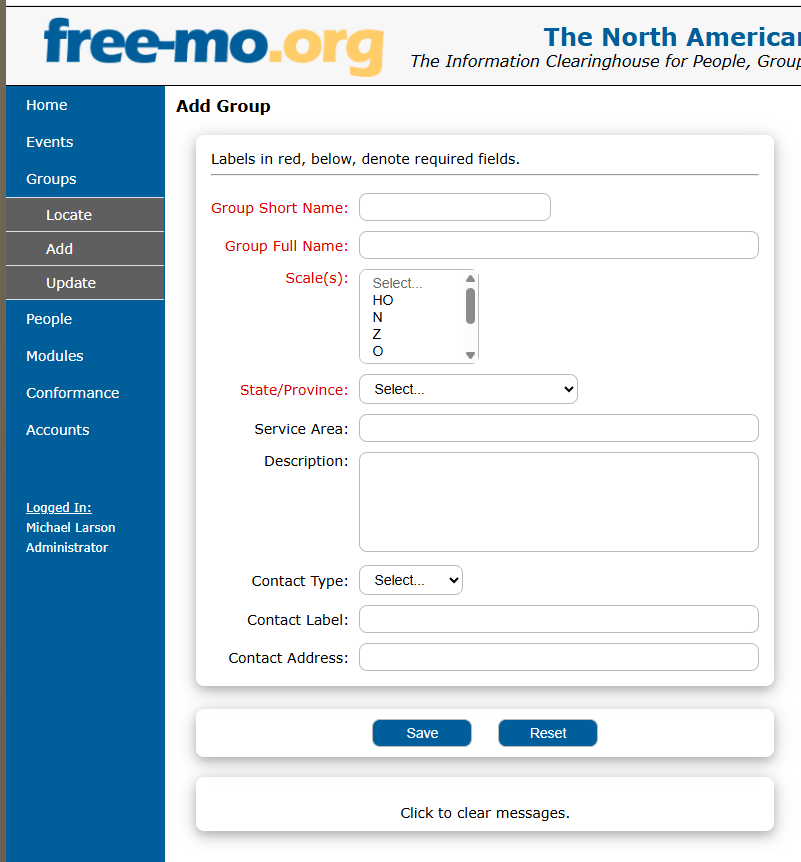
So the first thing that needs to be added is your group, then who you are, then add a module, because the module will be assigned to one or more people, those people will be assigned to one or more groups.
Free-mo Groups
Module Group List
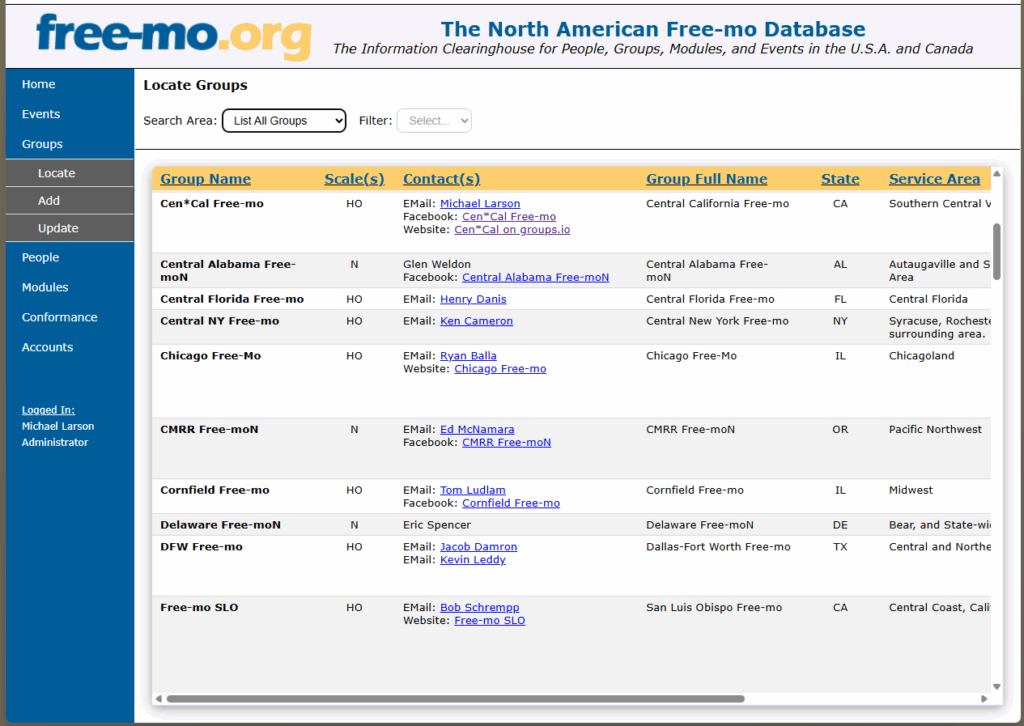
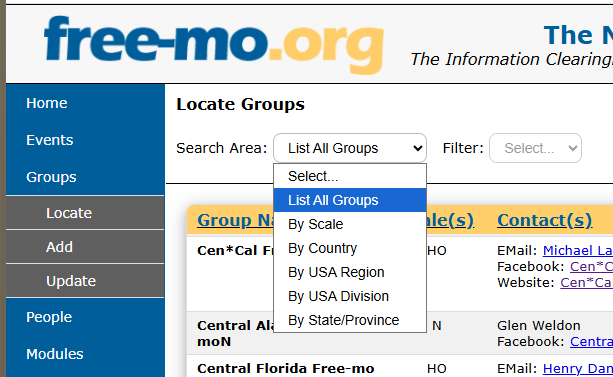
Search for a group
Module Groups add screen.
People
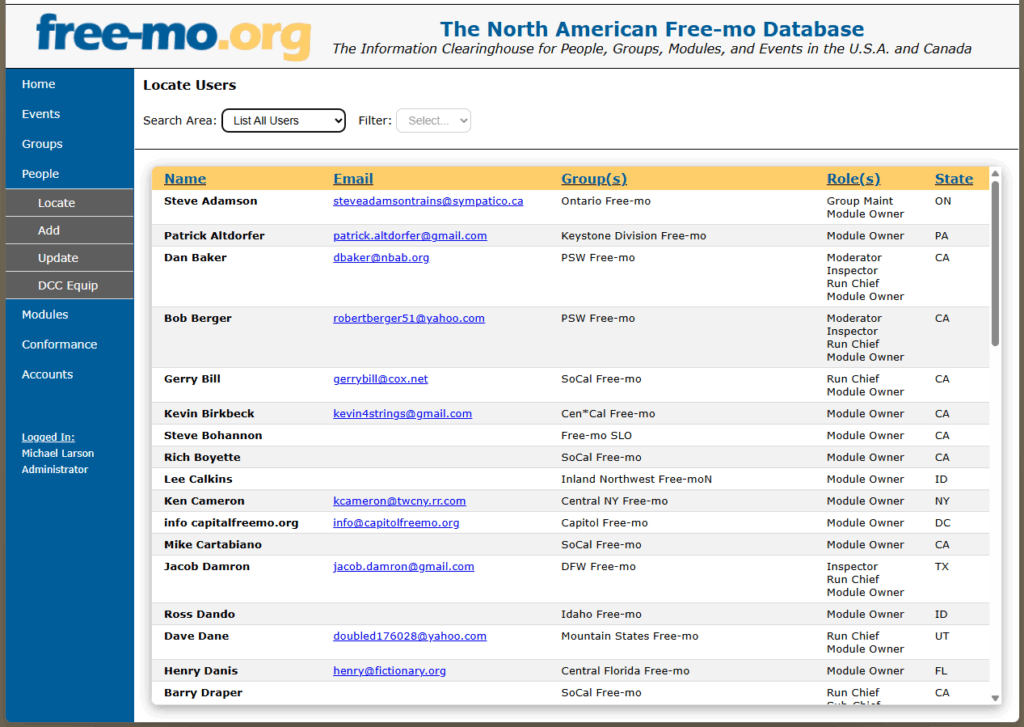
The database also has a people directory.
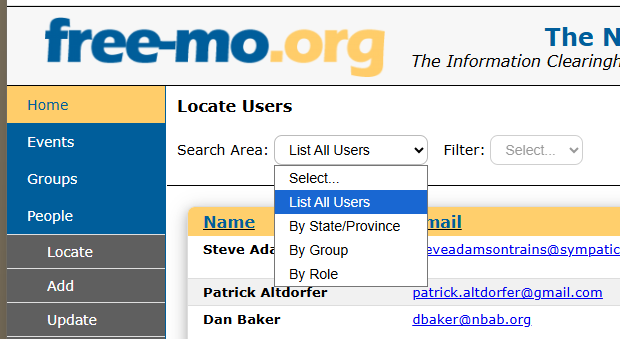
There are a number of options on how to search for a person.
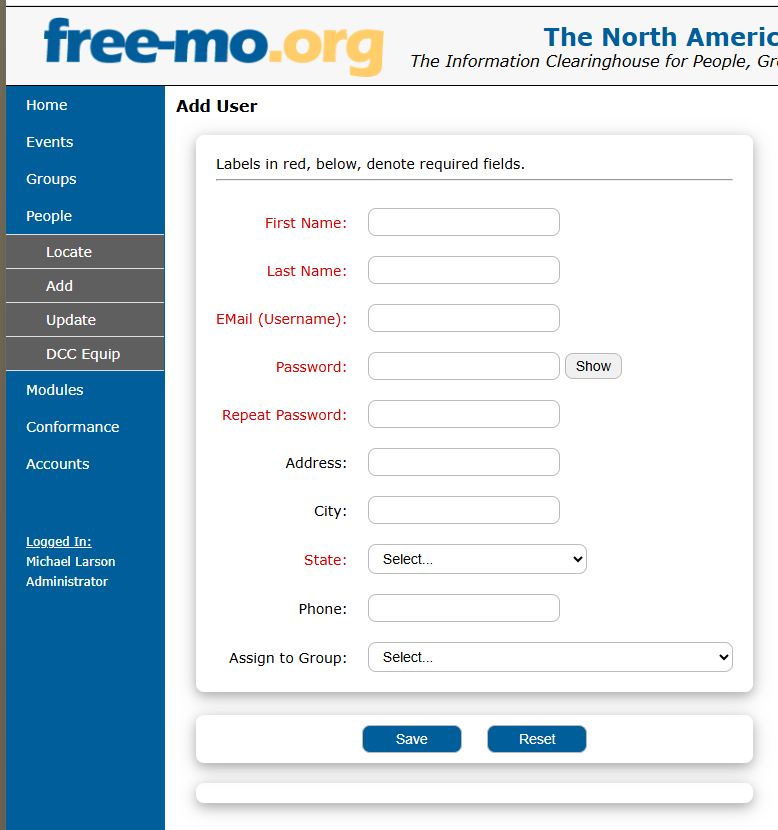
Detail of the add person
Modules
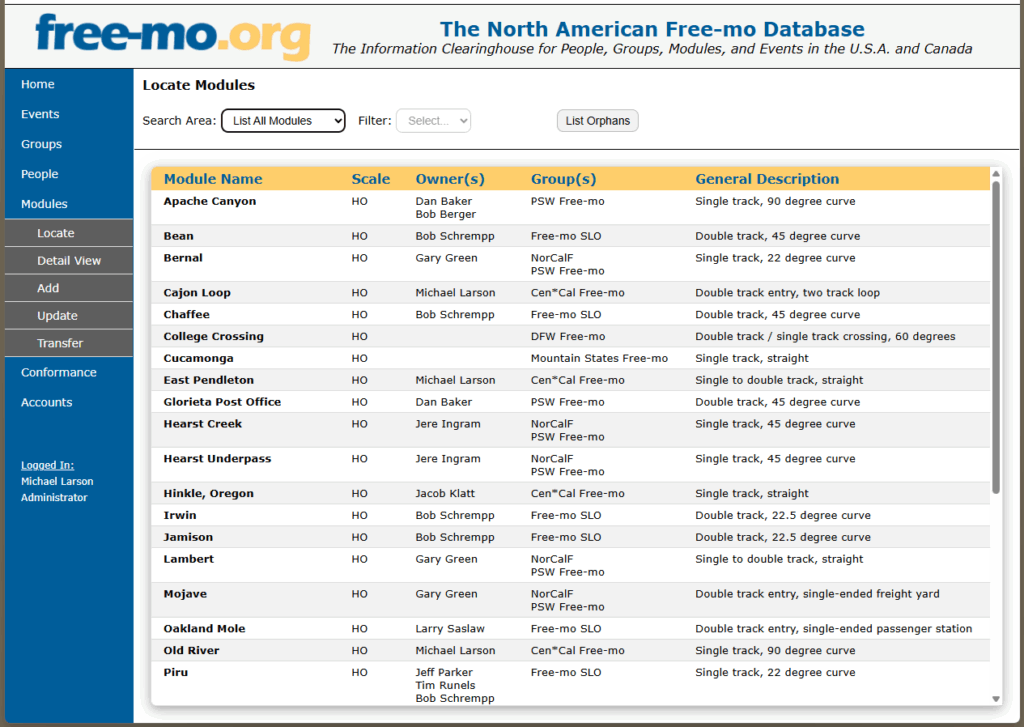
The real meat of the database is the listing of modules. You will be able to add your module to the database with details about it, from the Name, Scale, Owner, Free-mo Group, Image, Track Plan.
We start with a listing of modules in the database. You can just scroll through the list of modules.
You can narrow your search by Owner, Group, or Region.
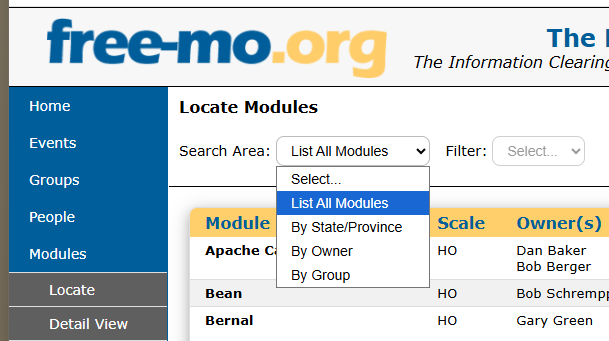
Module search options
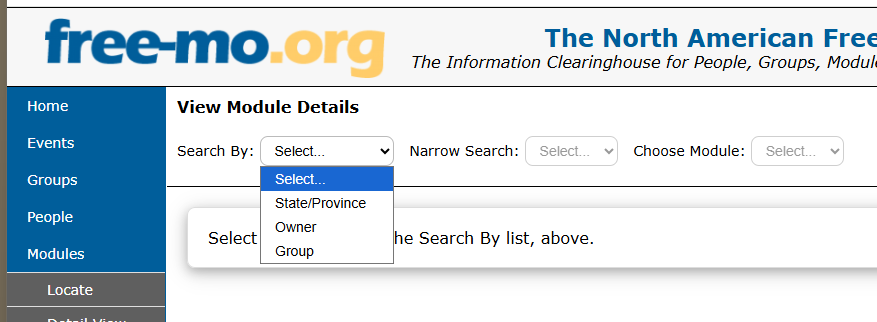
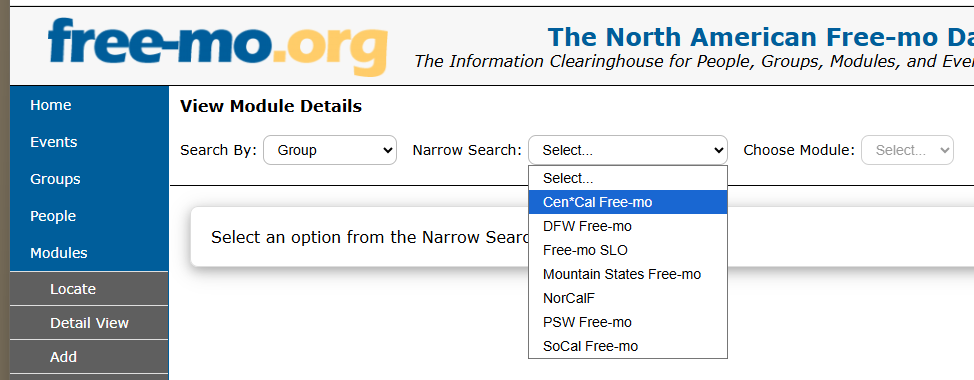
You can narrow your search by group.
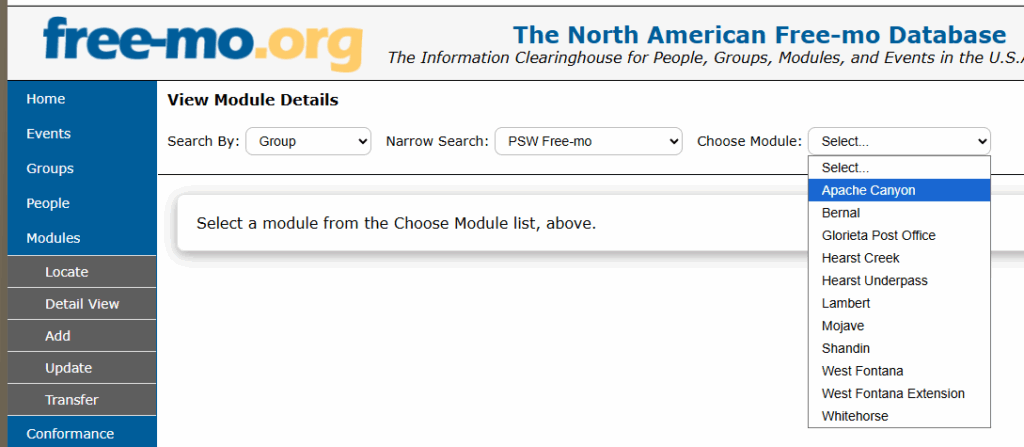
Once you find the module you want you can view the detail about that module.
When looking at one module, you will see all the data about the module and the image and track plan (if the owner uploaded these two files).
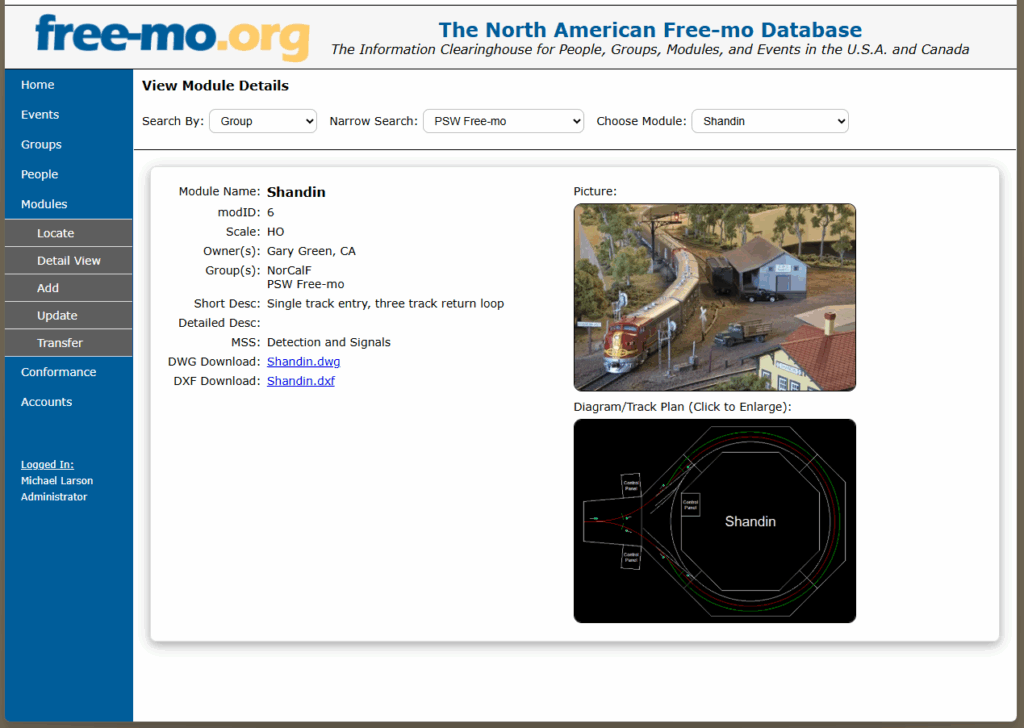
You can select the track plan to see a bigger view of it.